Agile View
ViewsOverview
The Agile View displays your organisation's work as a hierarchy following agile methodology — from the company level down through themes, epics, and capabilities. Each level represents a different scale of work, and capabilities are linked to the projects that deliver them. The view lets you see the full picture of strategic work and navigate into any entity to check its status.
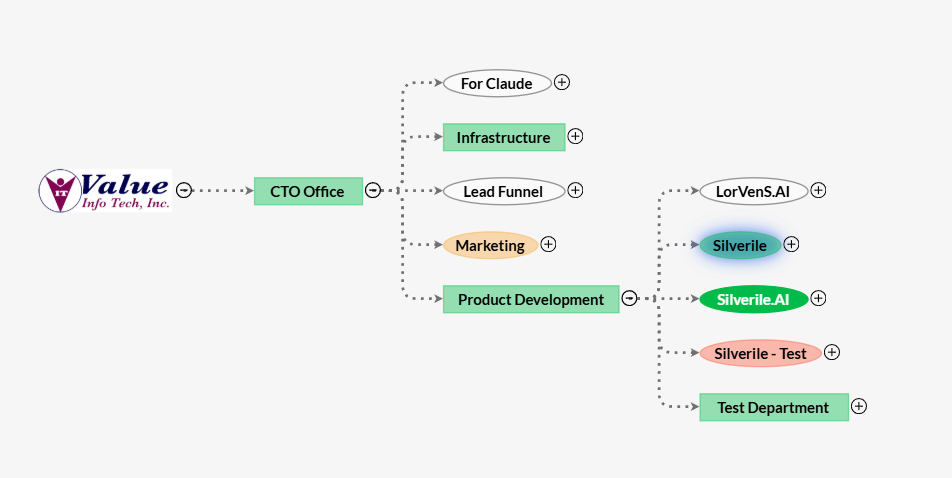
Getting there
Hierarchy structure
The Agile View follows a four-level tree structure. Each level is nested under the one above it.
| Level | Parent | What it represents |
|---|---|---|
| Company | — | The top-level node. Represents the organisation. All themes are created under the company. |
| Theme | Company | A strategic focus area or business objective. Groups related epics. |
| Epic | Theme | A large body of work that delivers value toward a theme. Groups related capabilities. |
| Capability | Epic | A specific functional capability to be built. Linked to one or more projects that will deliver it. |
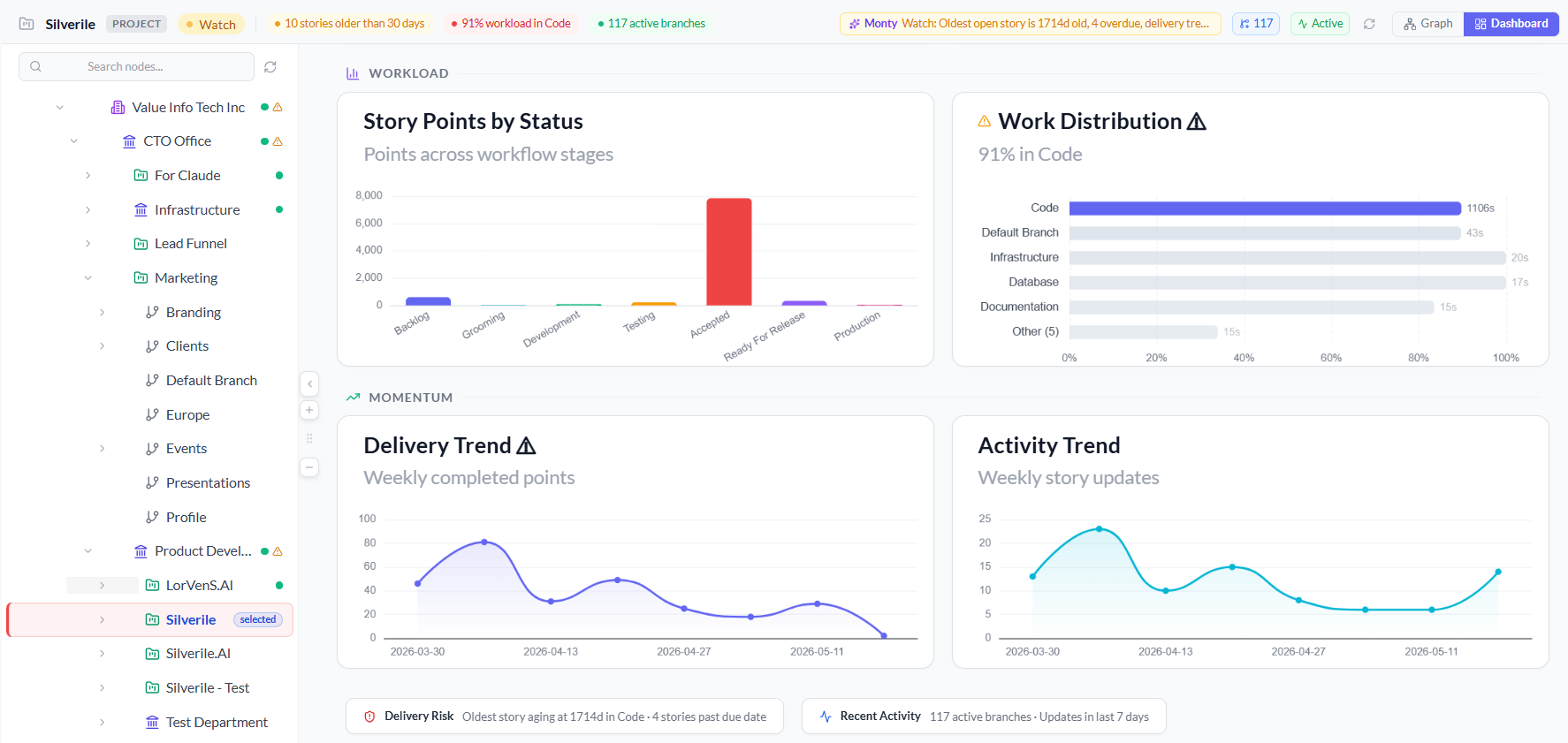
Entity status panel
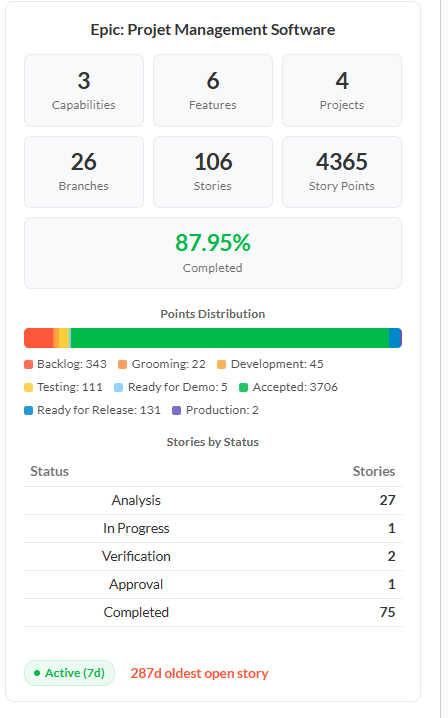
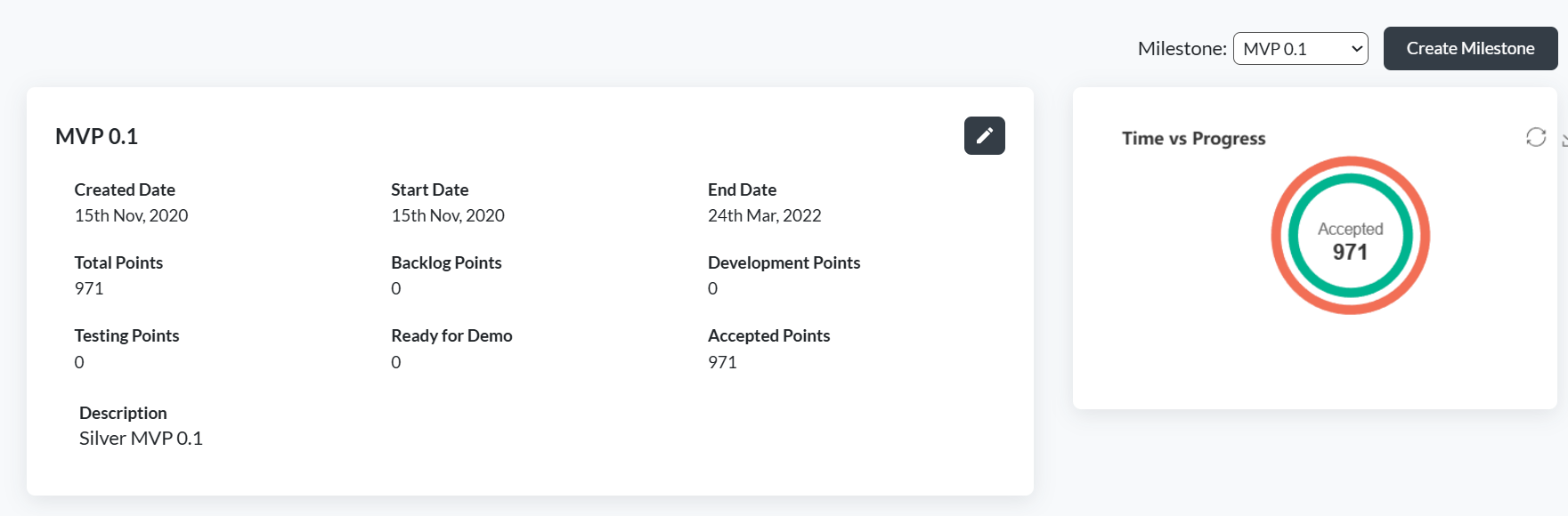
Clicking any entity in the tree opens a panel on the right side of the screen showing that entity's status, progress, and related data. The panel updates each time you click a different node — use it to check the current state of any theme, epic, or capability without leaving the tree view.
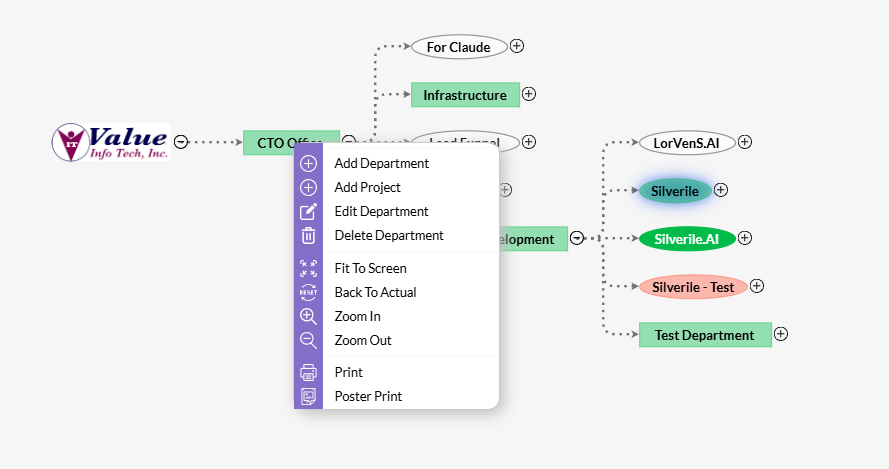
Charts
The Agile View includes graphical representations of the hierarchy's progress and status. Charts help visualise the distribution of work across themes and epics, and track completion at each level of the hierarchy.
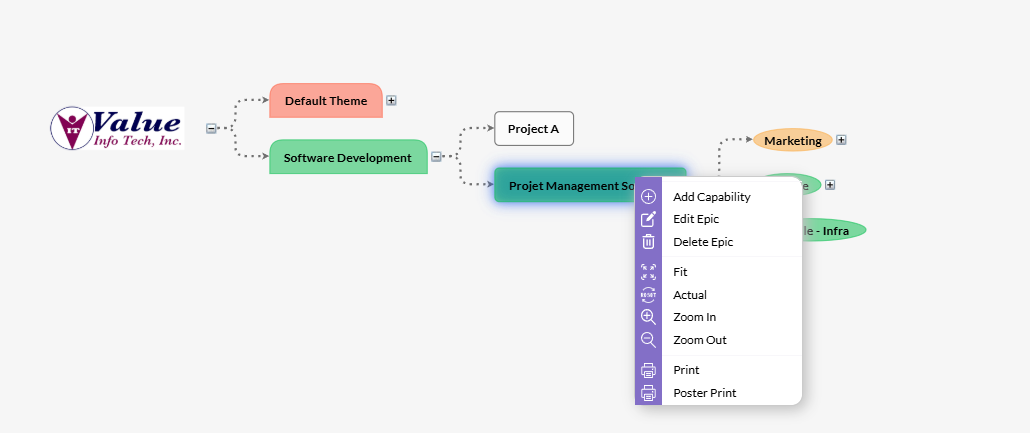
Right-click context menu
Right-clicking any entity node opens a context menu. The options available depend on which level you right-click — each level can only create the entity directly below it.
| Right-click on | Action | What it does |
|---|---|---|
| Company | Create Theme | Adds a new theme under the company. |
| Theme | Create Epic | Adds a new epic under the selected theme. |
| Epic | Create Capability | Adds a new capability under the selected epic. |
| Any entity | Edit | Opens the edit form for the selected entity to update its name, description, or linked projects. |
| Any entity | Delete | Cascading delete — children are deleted first (deepest level first), then the entity itself. Cannot be undone. |
Troubleshooting
The Agile View tree is empty
The tree starts with the company node. If nothing appears, the company-level hierarchy has not been set up yet. Right-click to create the first theme.
I don't see a right-click menu
Right-click directly on the entity node in the tree, not on empty space. If the menu still doesn't appear, check that you have contributor access or above.
The "Create Capability" option is not showing
Capabilities can only be created under an epic. Make sure you are right-clicking an epic node, not a theme or company node.
The right panel is not opening when I click an entity
Click directly on the entity label in the tree. If the panel does not open, try refreshing the page.
I deleted an epic and its capabilities disappeared too
Delete cascades downward — children are removed first, then the parent. Deleting an epic first deletes all its capabilities, then removes the epic itself. This cannot be undone.
A capability is not showing its linked project
The project link is set when creating or editing the capability. Open the capability and add the project link from the edit form.